|
|||||||||||||
 |
|||||||||||||
RF Cascade Workbook™ vL - Calculation Verifications |
|||||||||||||
|
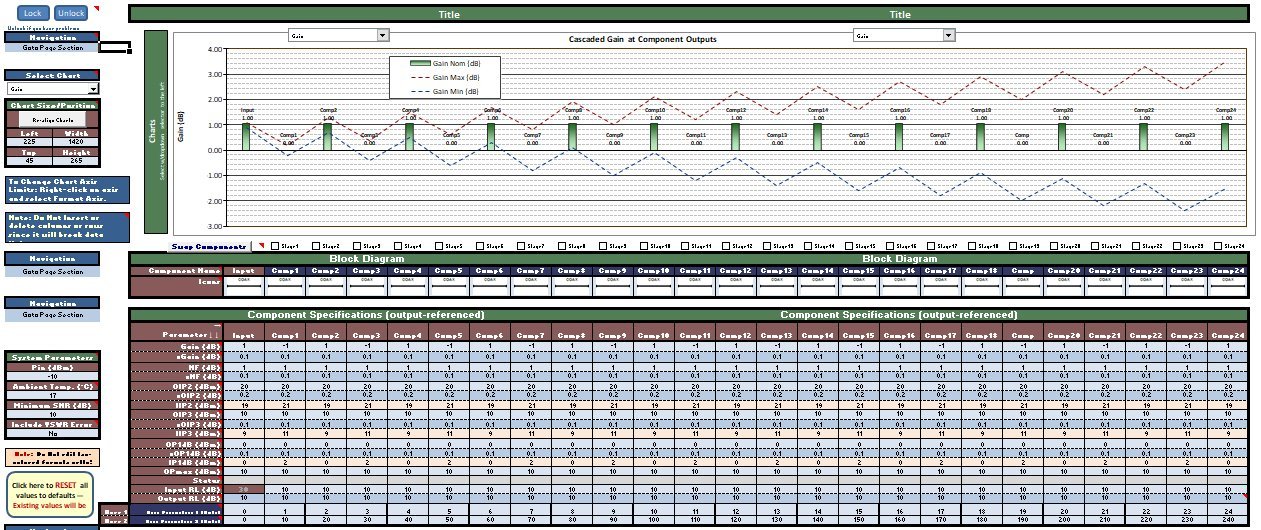
Cascaded Gain
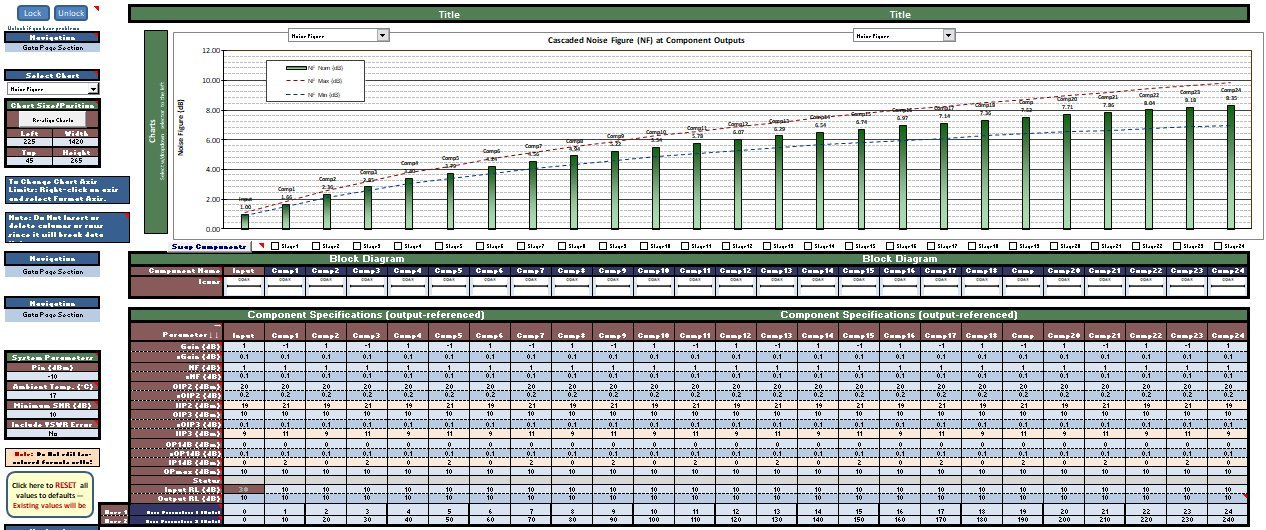
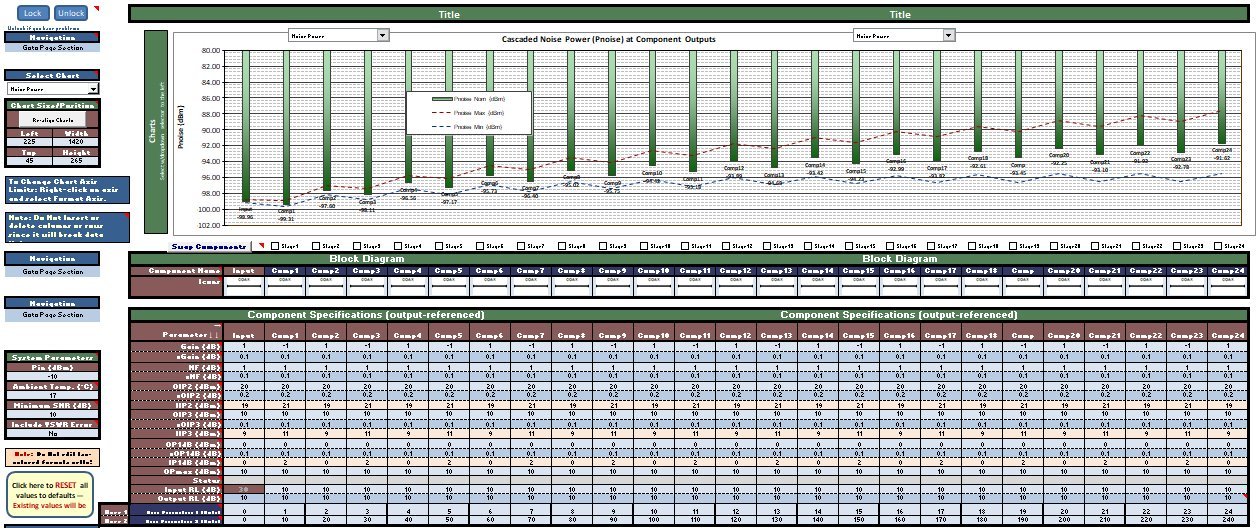
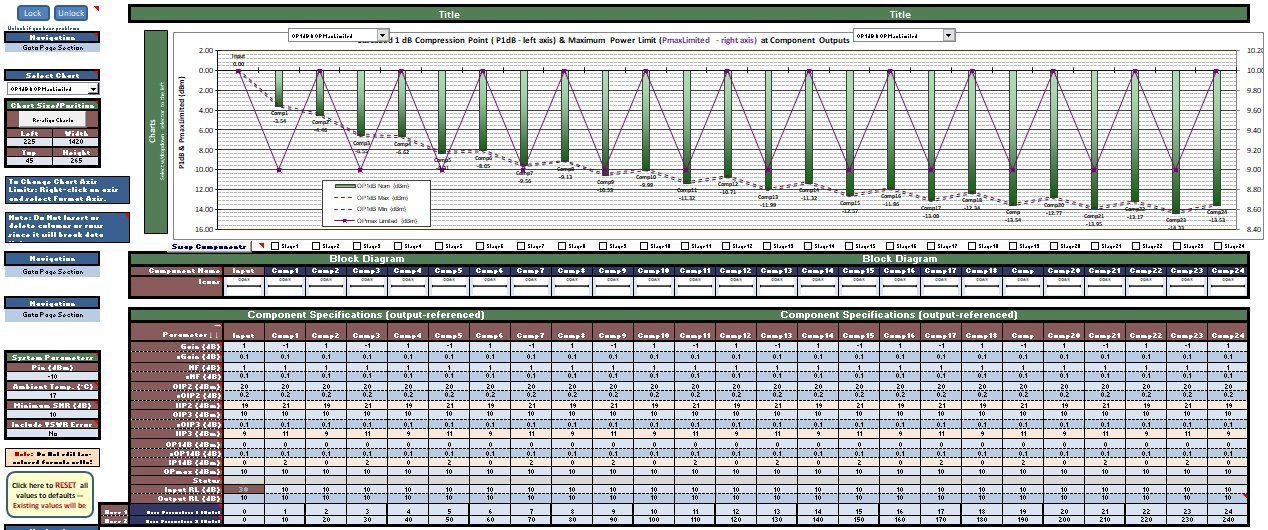
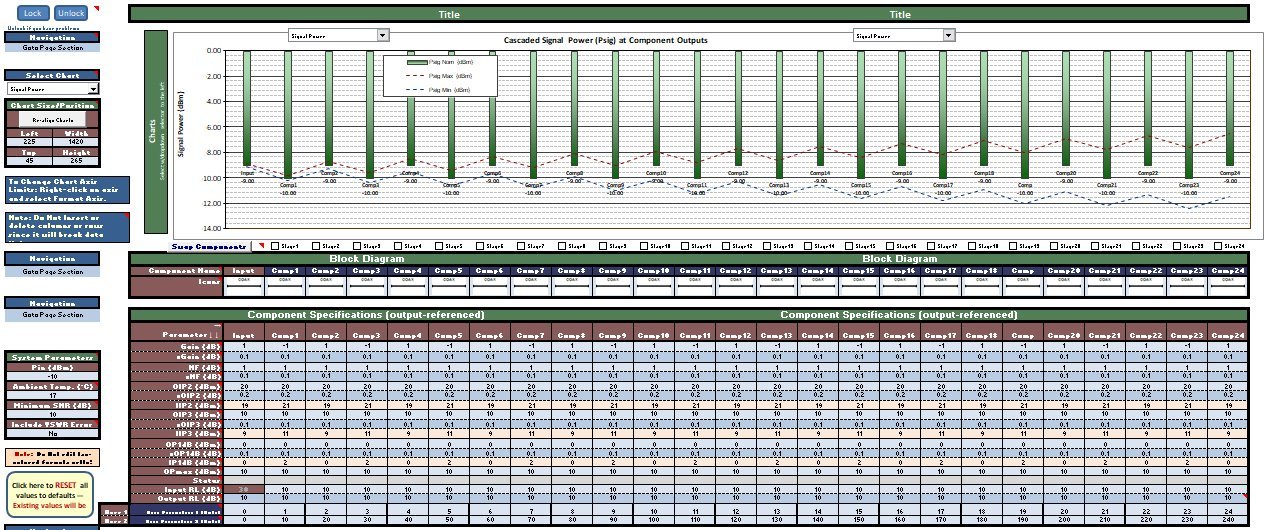
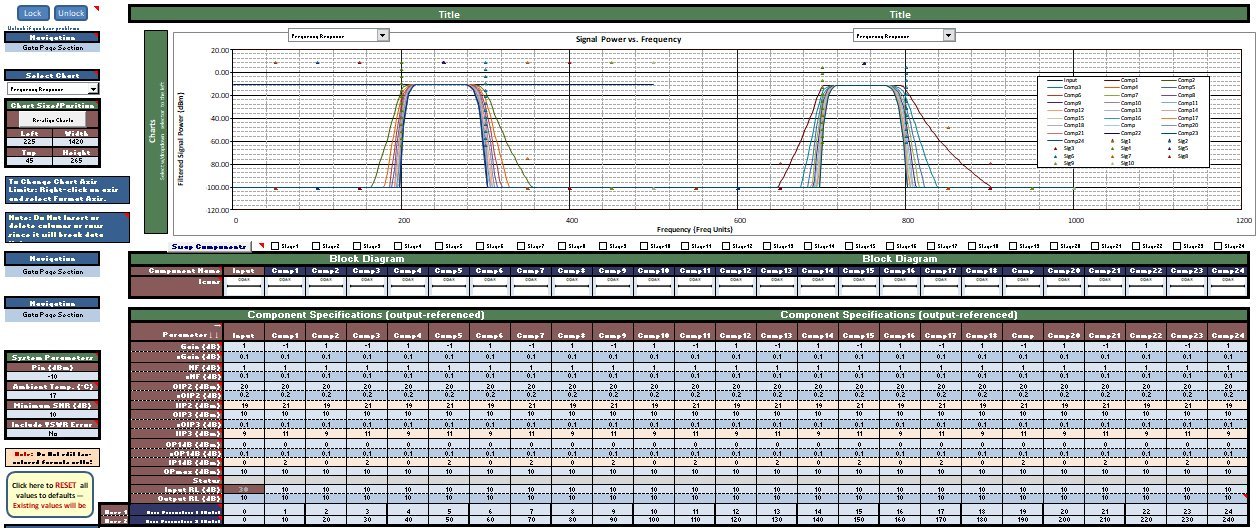
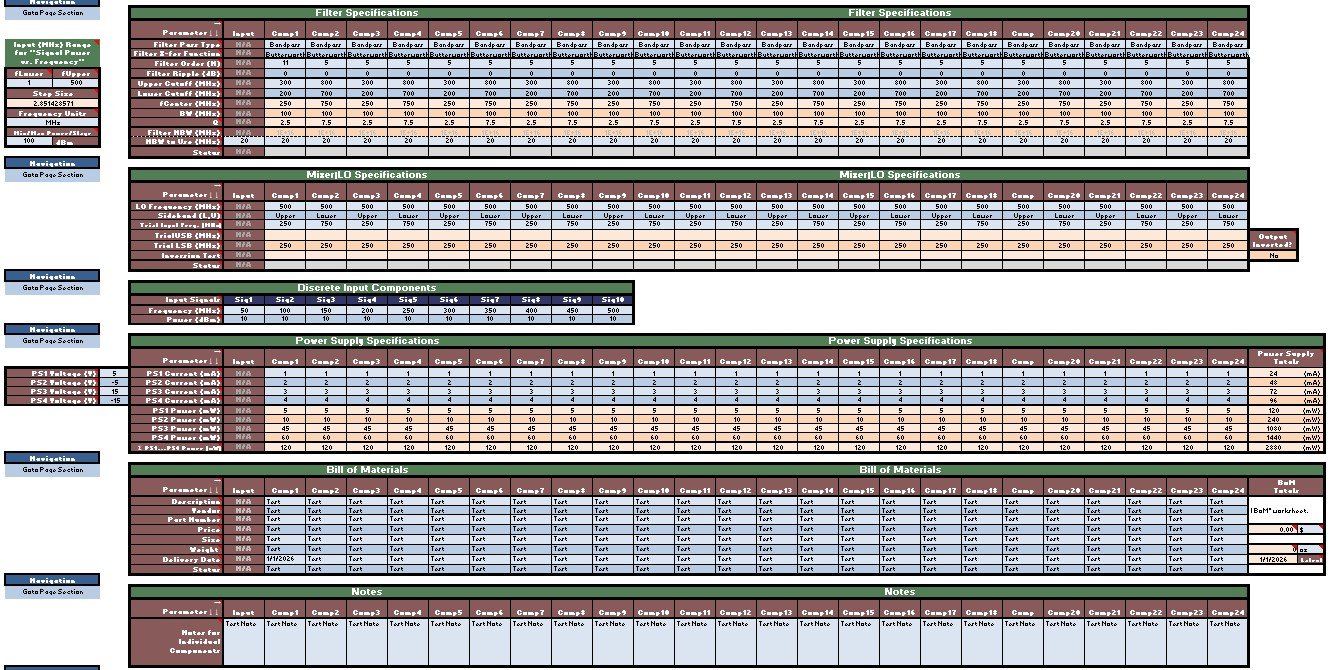
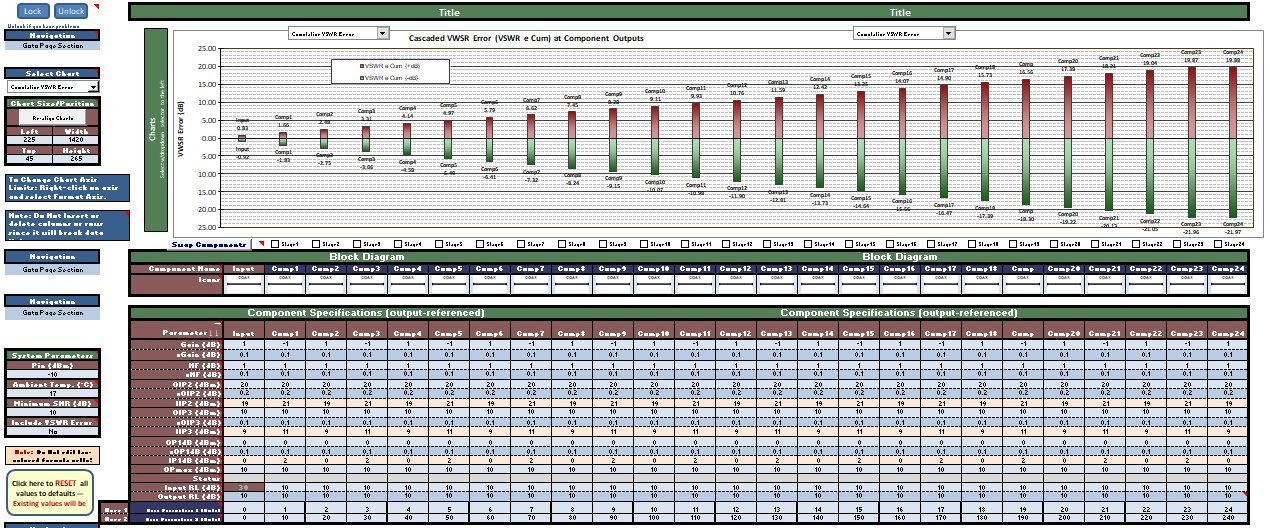
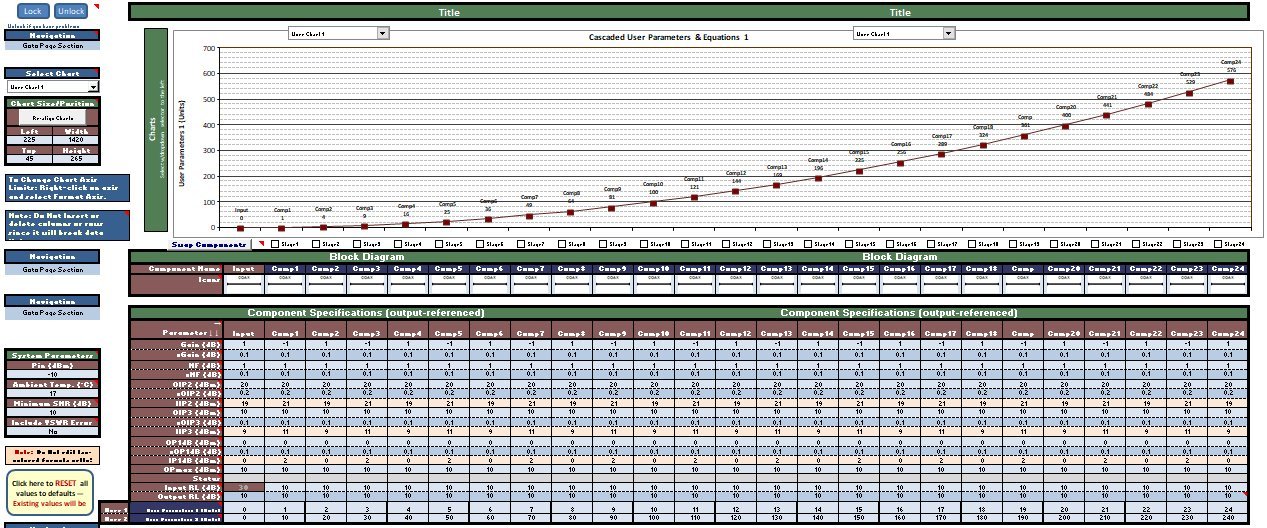
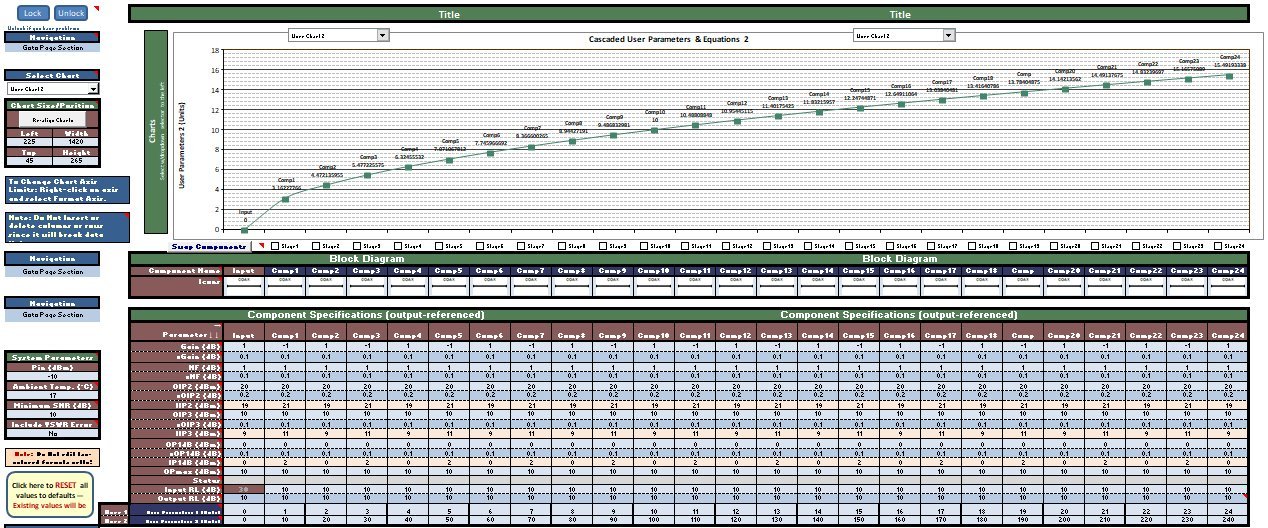
Cascaded Noise Figure Every time a change is made to RF Cascade Workbook that involves the entire cascade of components, a thorough checkout of the entire chain of calculations and graphical presentations needs to be performed in order to avoid having an error slip in. It is very easy for a single cell to not receive the proper formula when doing a copy and paste of a full row or column of cells. You might think not, but when you are dealing with thousands of cells in a workbook, the probability is non-zero. A different set of values is used for version L (vL). However, the values used in version J (vJ) were also plugged in and they all matched the vL results. You can see the vJ verification page here. I ship RF Cascade Workbook with the VBA code password-protected in order to preserve the confidentiality of the custom code I have written to perform automated tasks not often (or never otherwise) seen in an Excel spreadsheet. That caused one user to remark that doing so implies that I expect him to "just trust you [me]" that everything is correct. To some extent that is true, but my motivation is to protect my intellectual property (IP), not to require anyone to trust me. In fact, I have always cautioned users to do their own validations prior to using my results for critical application. These screen shots are of examples where component parameters for all 24 stages were designed to make the expected results as obvious as possible.
|
|||||||||||||
 |
|||||||||||||
|
|||||||||||||



|
||||||||||||||||||||||||||||||||||||