RF & Electronics Stencils for Visio™ (r4)--- Only $35 for >1,000 Custom-Created Stencils --- |
||||||||||||||||||||||||||||||||||||||||||||||||
|
You DO NOT need a PayPal account to order. Got the right shapes type?(see others)
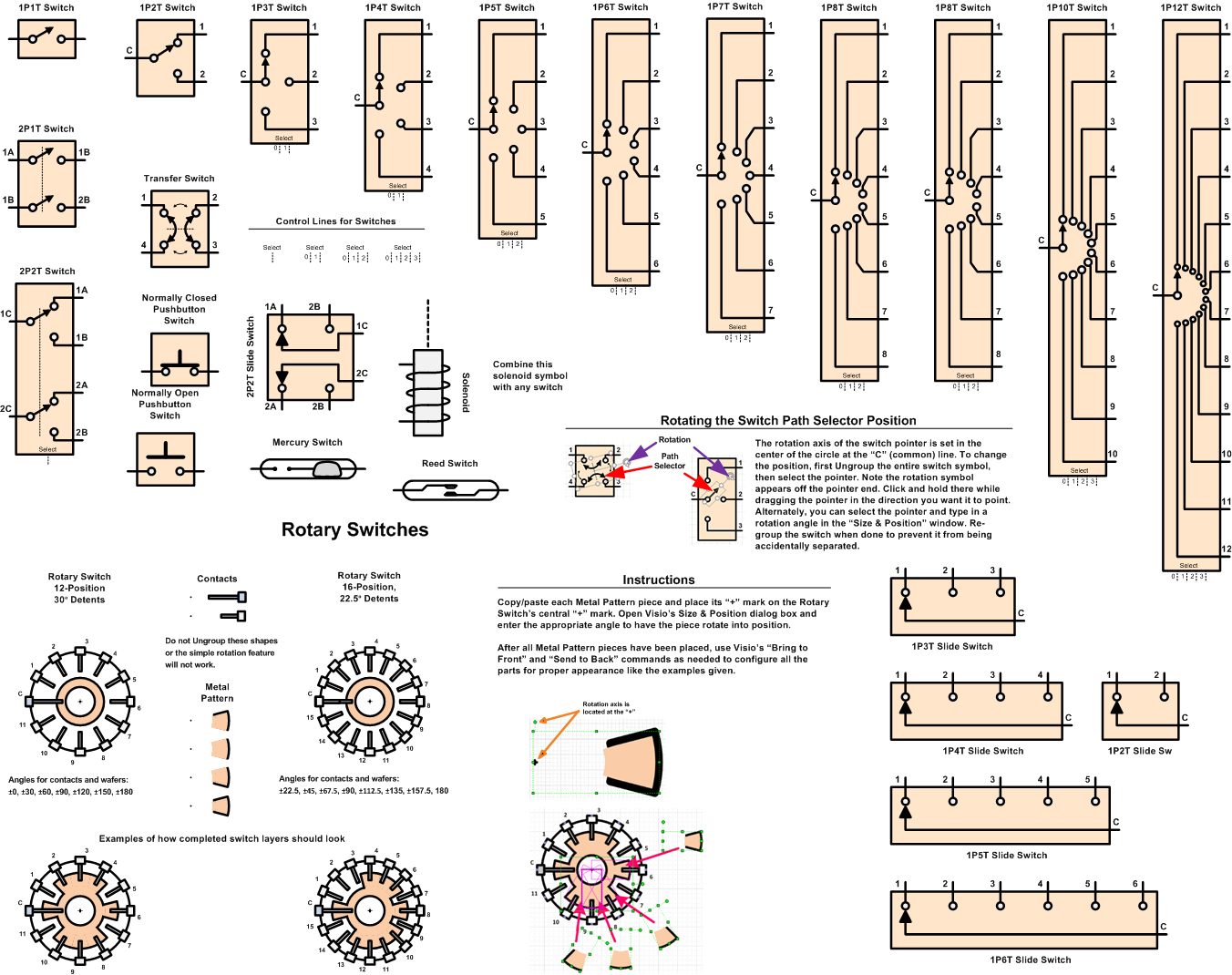
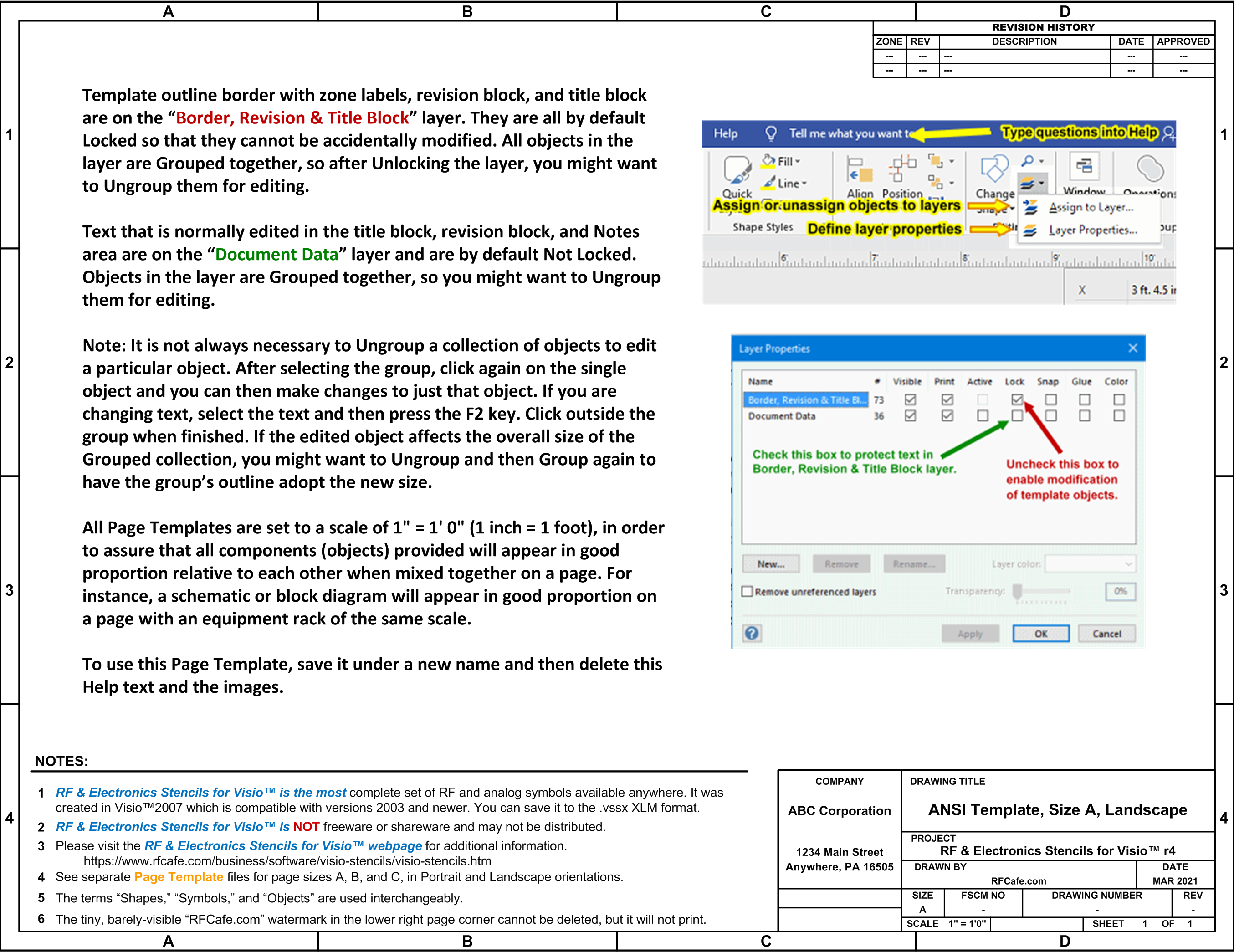
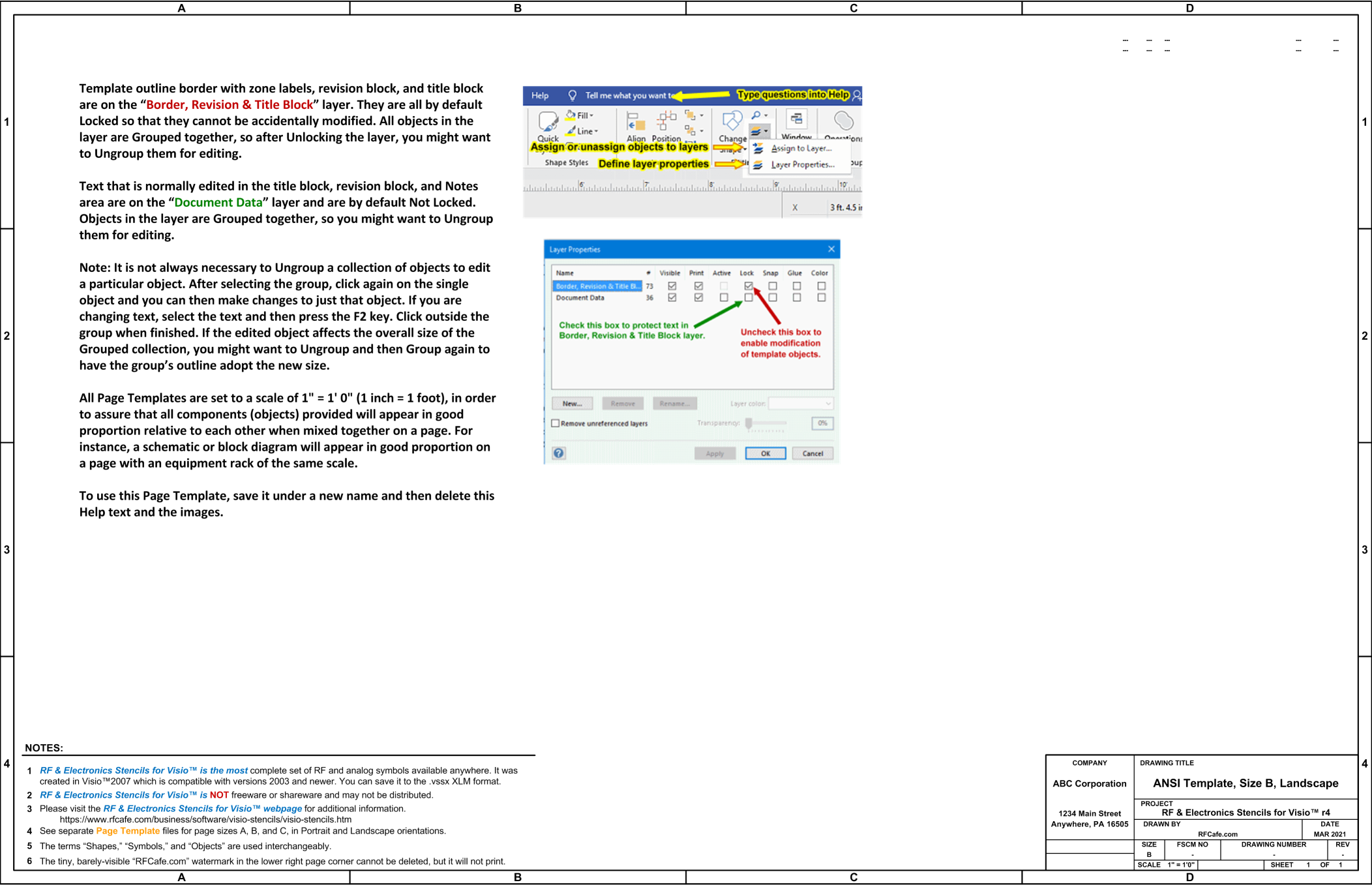
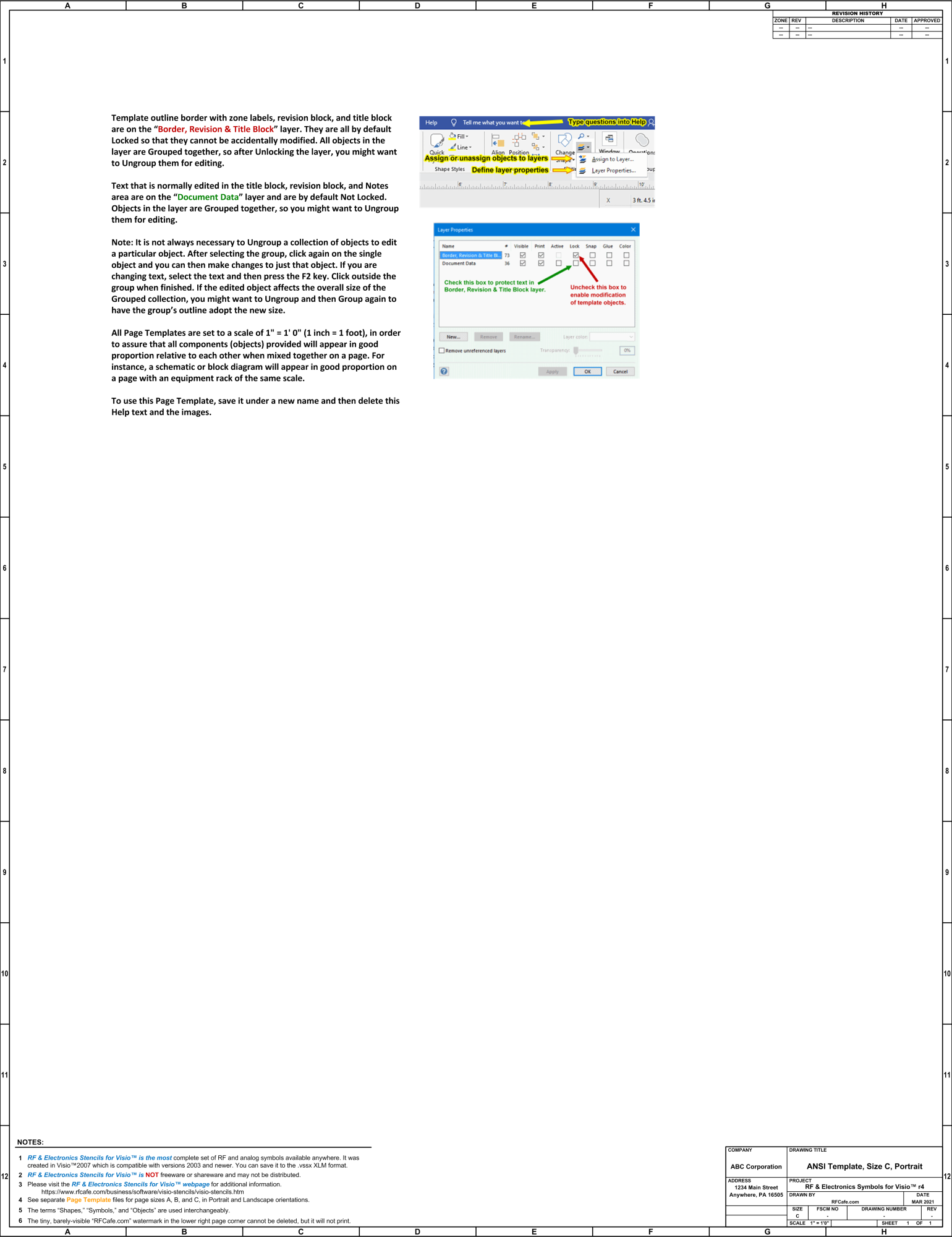
See COMBO prices for deals. Note: I fill orders personally, not via an automated process. Therefore, there could be an hour or more delay. Files are sent as an attachment (~12 MB) to the e−mail in your PayPal account. Notes Trust Center Message Beginning with version 2013, the Trust Center by default blocks files created in earlier versions. Please see this article for how to unblock the files. Missing SP6T Switch Symbol. The original Switches .vss file was missing the SP6T switch. Please send me an e-mail if you want a replacement file. Where to store files? I recommend creating a new folder titled "RF Electronics Stencils" and then unzipping the files into it. For versions of Windows through Win10, the path will typically look like this: .\Documents\My Shapes\RF Electronics Stencils\ If you are using Visio™ 2013 or later, you might want to re-save the files in the .vssx and .vsdx XML format since they are typically much smaller. Page templates I recommend that you begin by using one of the included Page Template files for developing your diagram. Some basic information is on the "Hints & Tips" page to help you get started. Standard A-, B-, and C-size drawing templates (.vsd files) are provided that come with a Page Scale preset to play well with the supplied stencil objects. You may, of course, change the page scale to whatever is most convenient for you. If large changes are made, you might need to re-size text and line widths. Switches
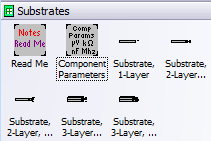
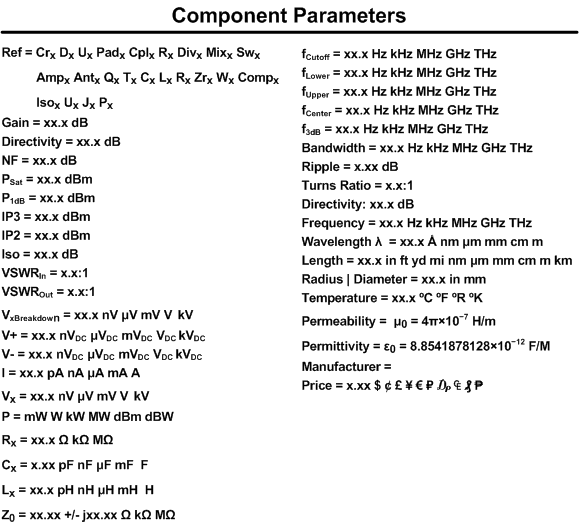
Component parameters Rather than attach an electrical parameter set to each stencil, a separate generic stencil is provided that can be added to shapes and modified as needed. You can of course add your own text objects to the drawing, just as you can add any other type of Visio built-in objects. XML file format If you are using Visio™ 2013 or later, you might want to re-save the files in the .vssx and .vsdx XML format since it is typically much smaller.
Visio 2013 and beyond requires additional Security settings to open the Stencils.
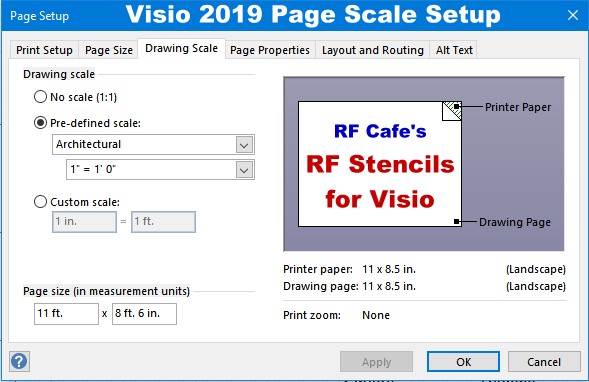
Components are drawn to align to a grid set up for: Page Setup -> Drawing Scale -> Architectural Scale of 1" = 1' 0".
Make certain that the Color Themes are set to "No Theme" End User License Agreement (EULA) This product is NOT Shareware, Freeware, or an Evaluation version. Its legal use is contingent upon purchase directly from RF Cafe, as no distributors are authorized. Unauthorized copying, alteration or distribution of this product is prohibited by law. Please visit the RF Cafe website to submit payment for this product. Simply put, you may not use this product if you have not paid for it. Disclaimer: "RF & Electronics Stencils for Visio™" is offered AS IS. Your use of this product implies you alone accept responsibility for results obtained through its use, and will hold harmless Kirt Blattenberger, RF Cafe, and all associates for any losses incurred through its use. This product has been tested very thoroughly, and there are no known problems at the time of release. Site License Terms A Site License, if purchased allows an unlimited number of users at one (1) location. Users must be officially affiliated with the site during the time of use. That means the license does not follow a user who permanently leaves the site (graduation, new employment, etc.). The license extends to persons whose primary job is normally performed at that location, but works occasionally from home or at a remote location. Hobbyists employed at the same location are welcome and encouraged to use the software. The single location restriction is imposed to limit distribution to local use for companies with multiple physical locations. This software may not be redistributed in any form, nor posted on the Internet or anywhere that it can be publicly accessed. The file(s) may be distributed on a server, via e-mail, etc., as needed for qualified users.
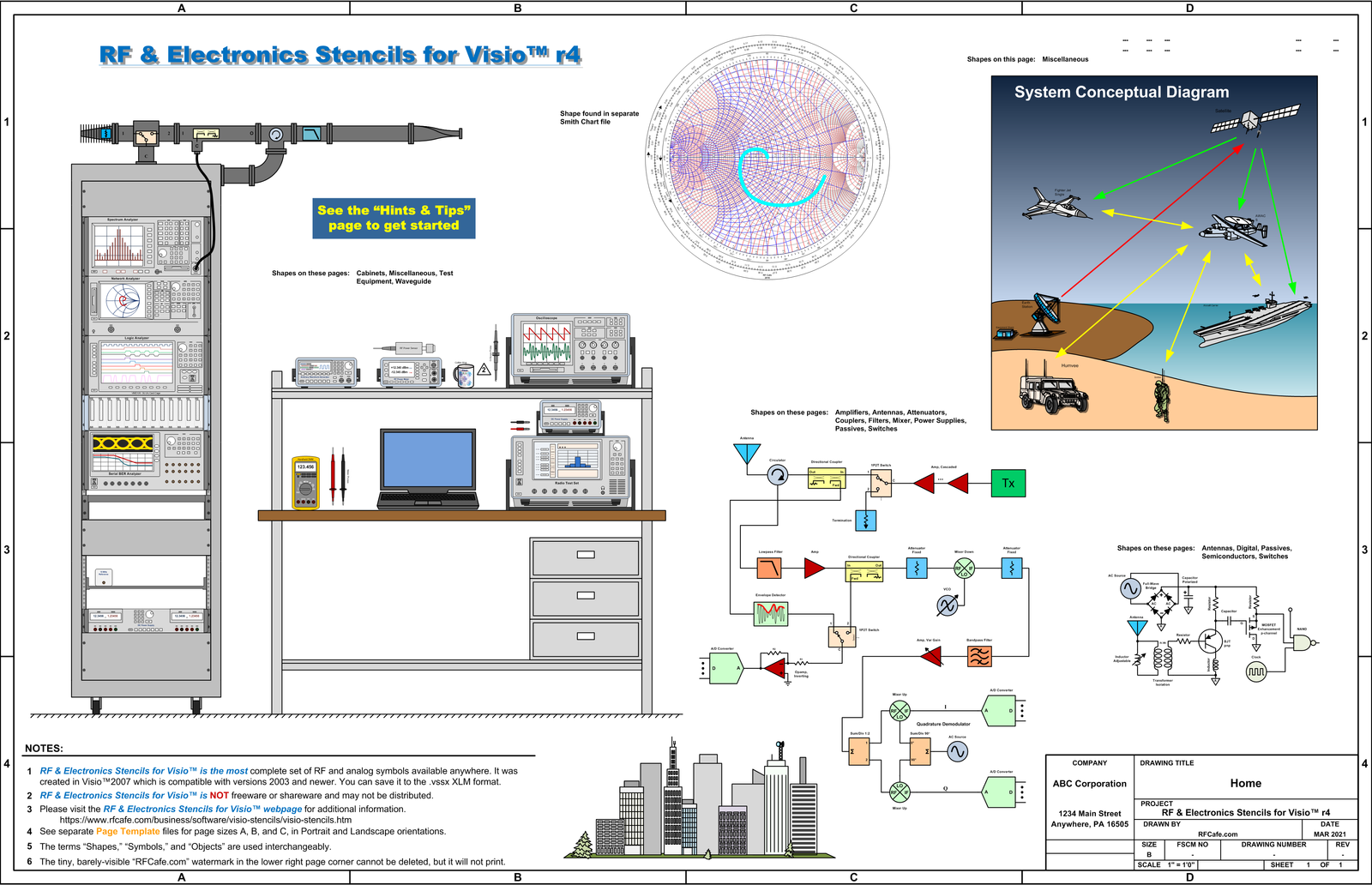
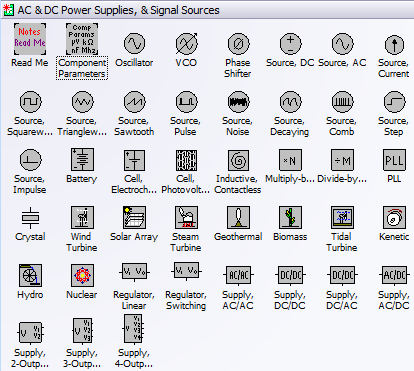
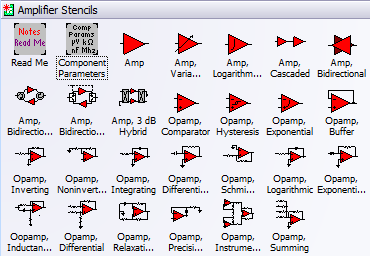
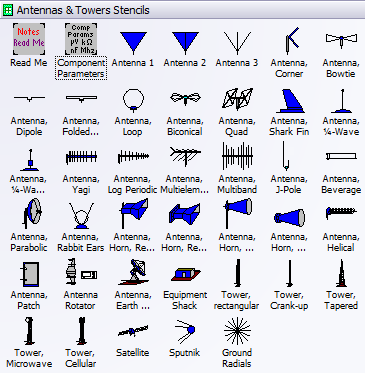
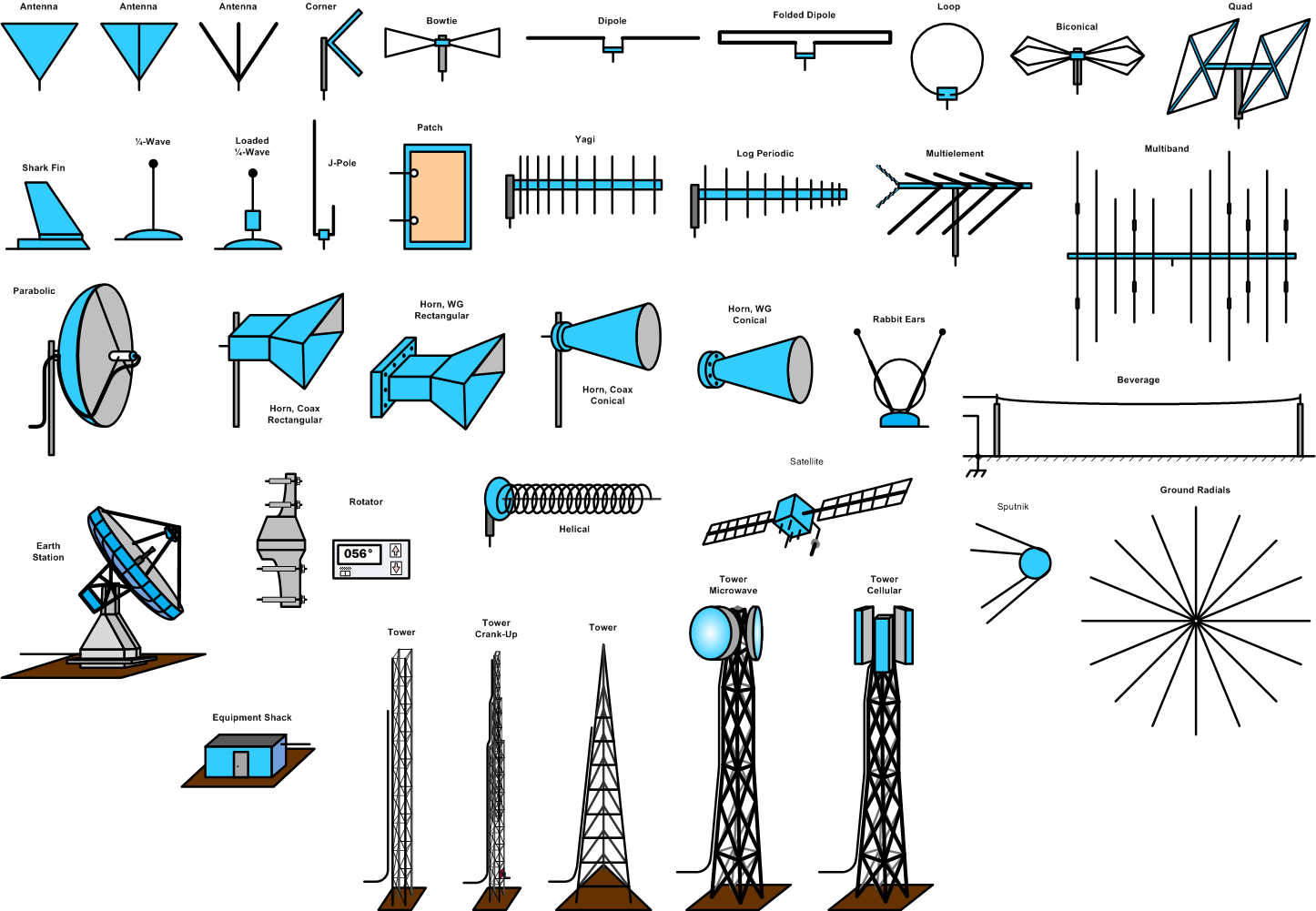
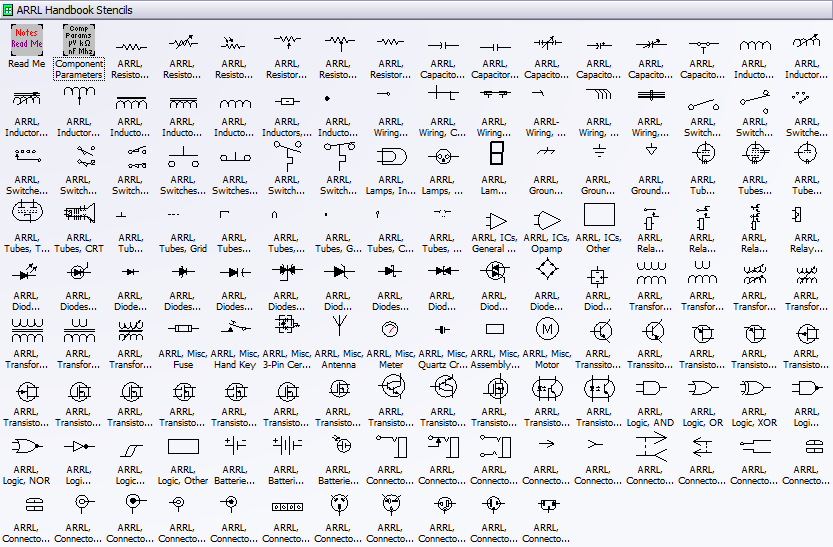
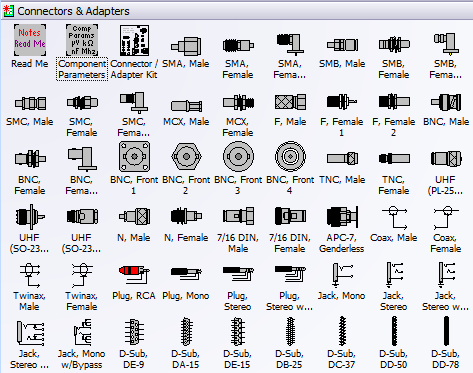
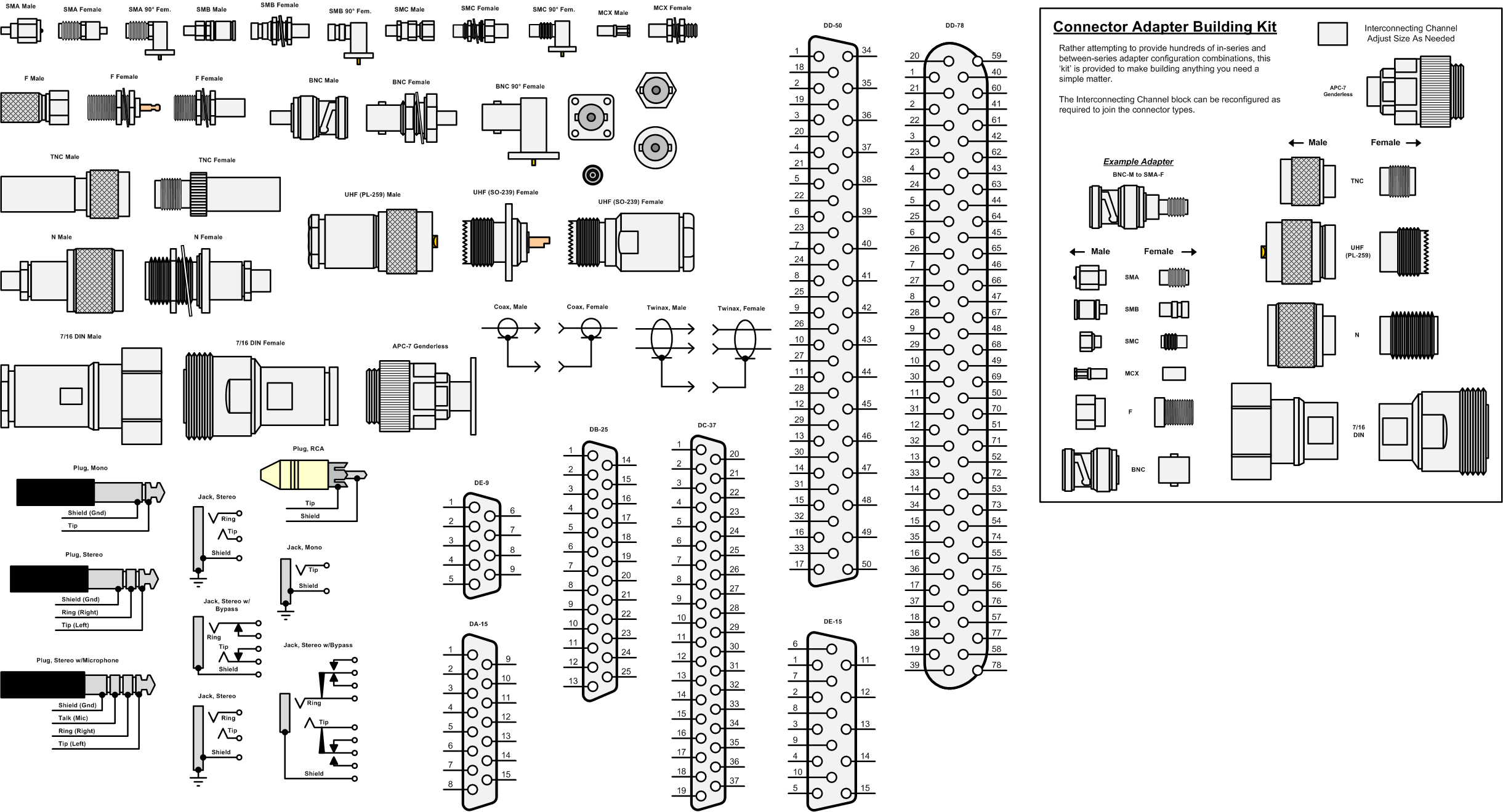
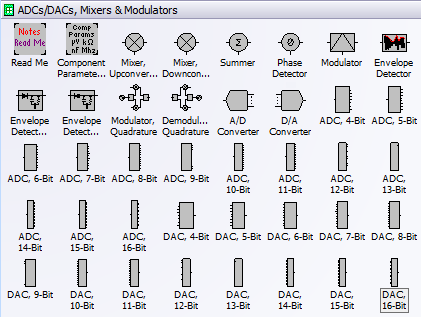
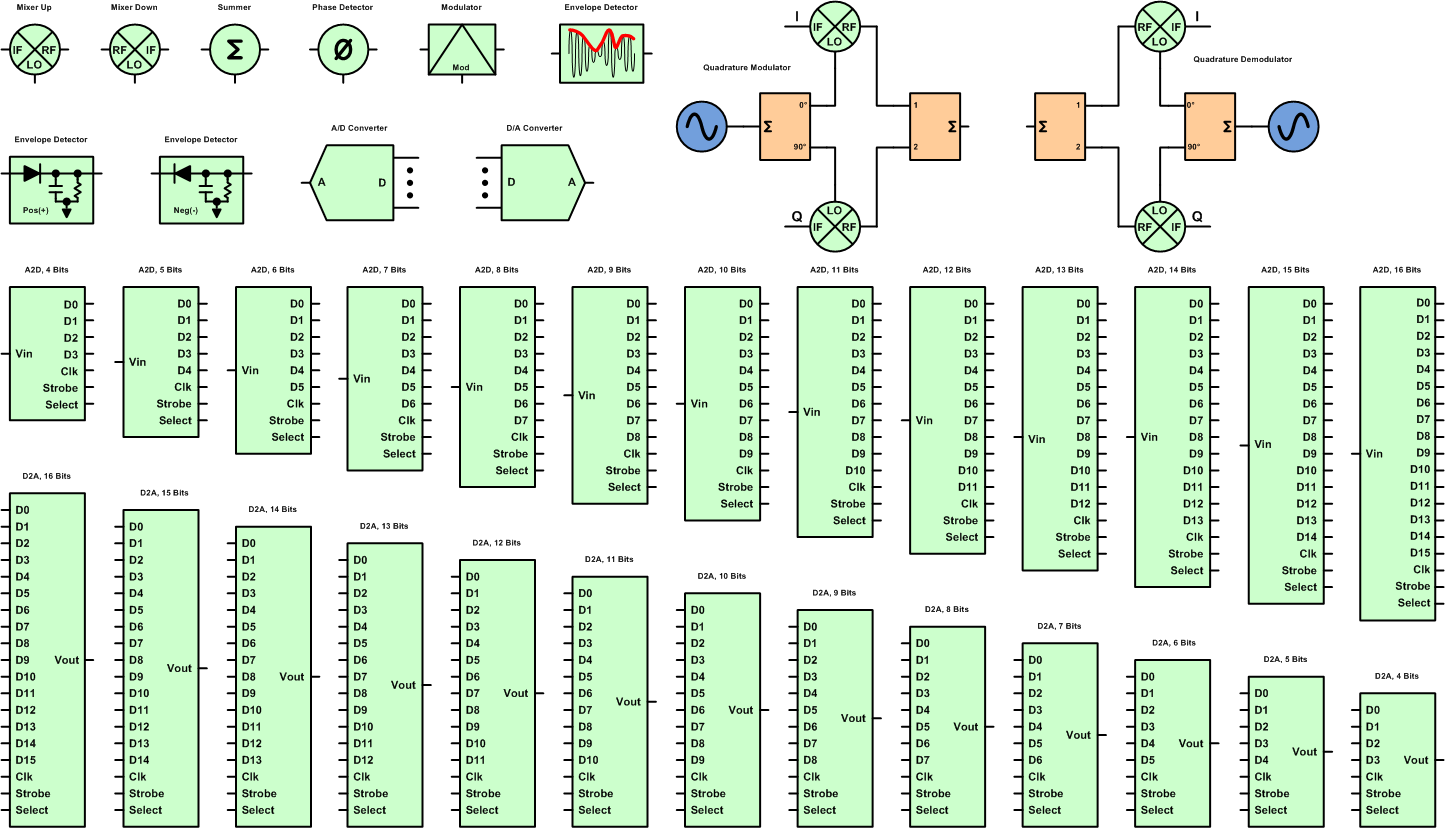
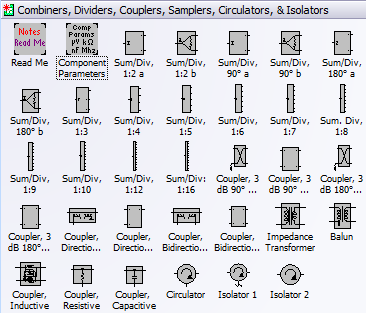
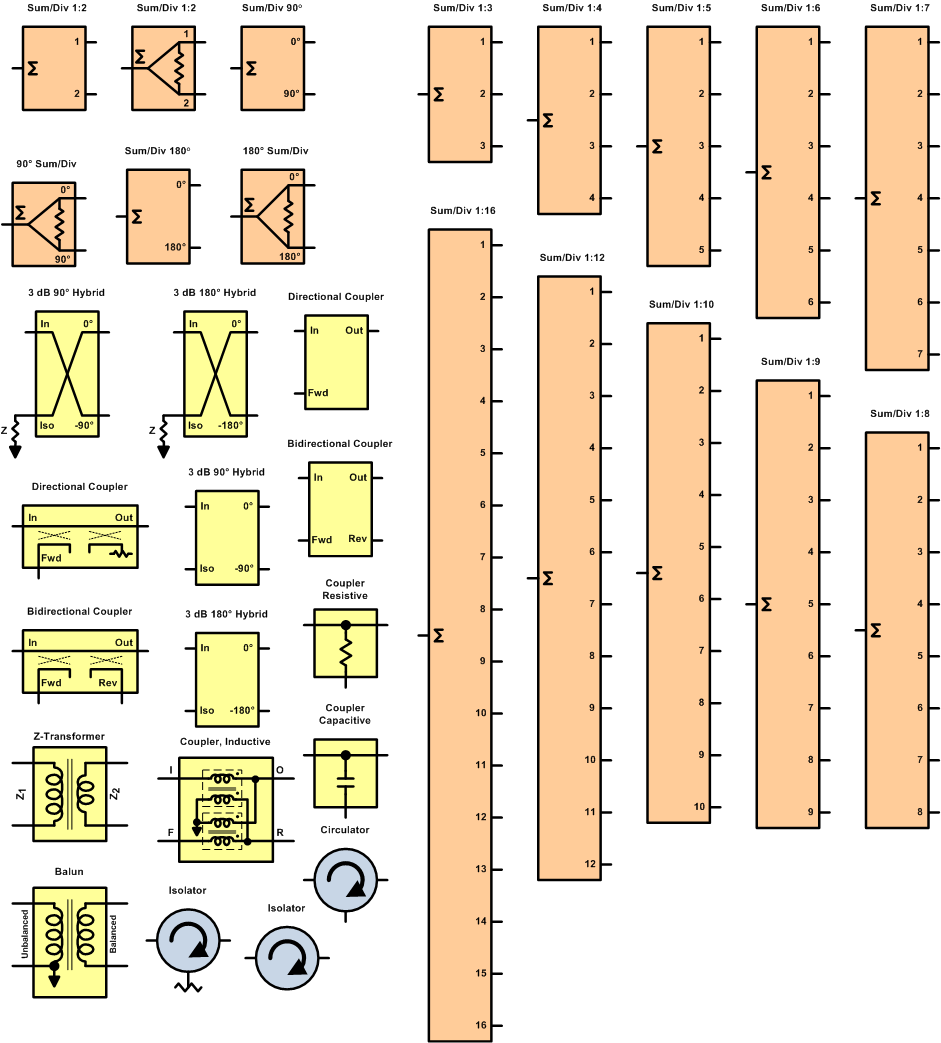
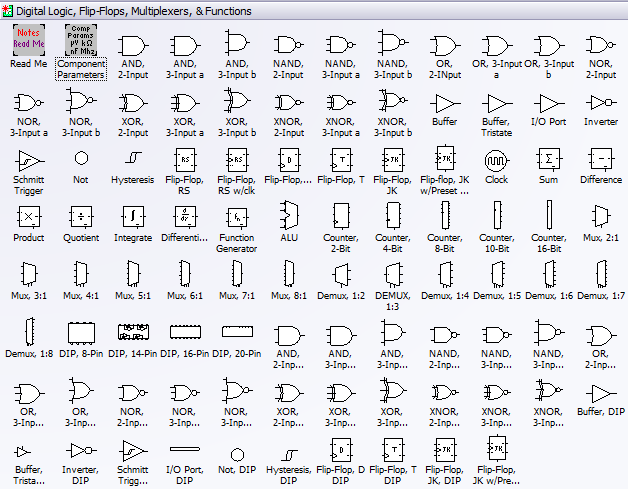
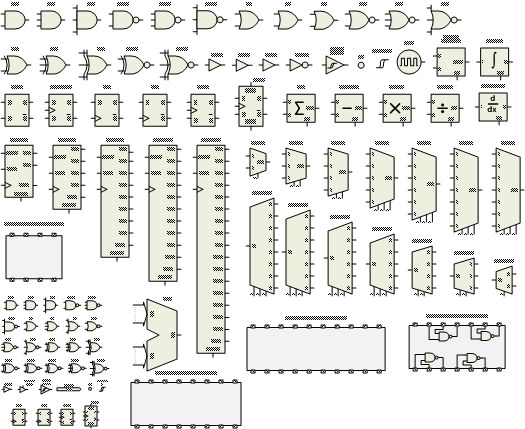
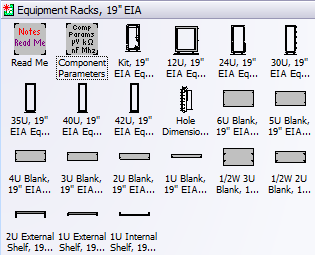
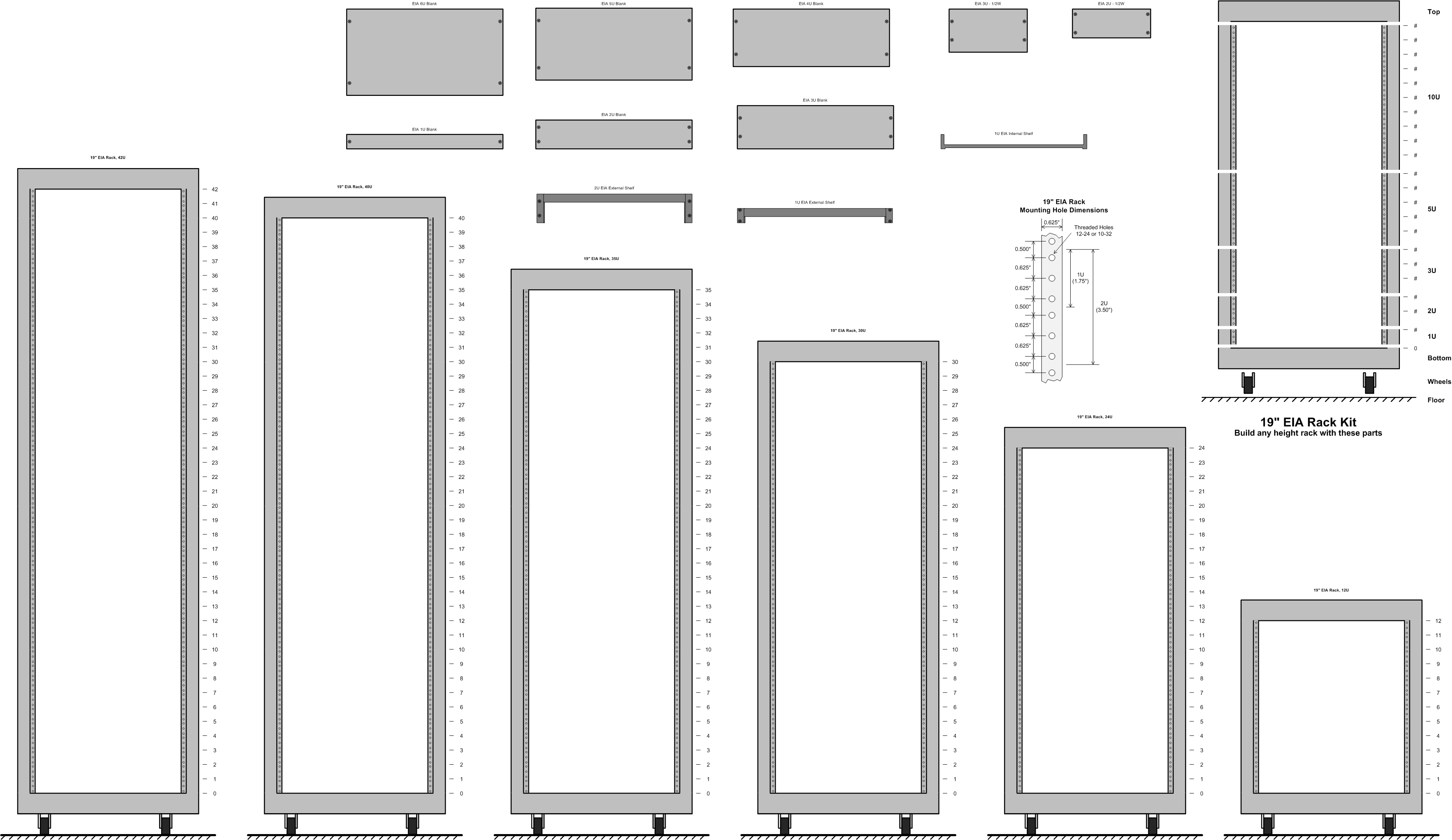
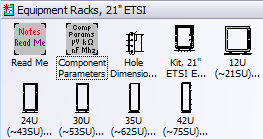
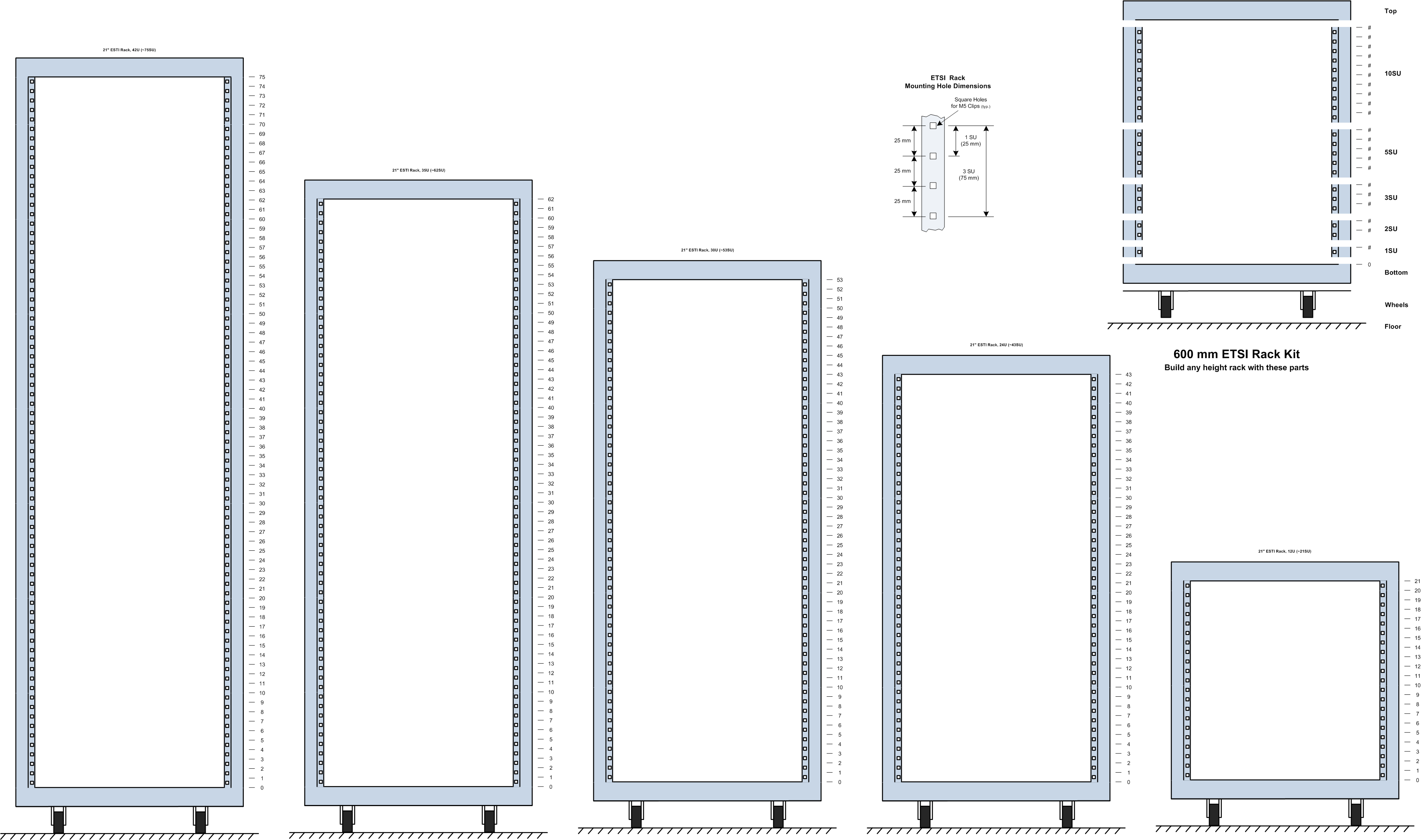
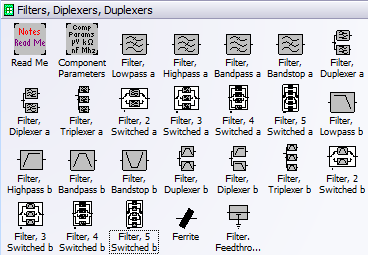
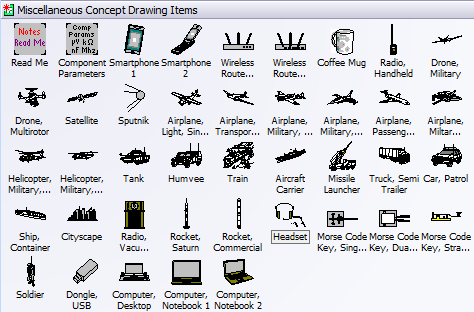
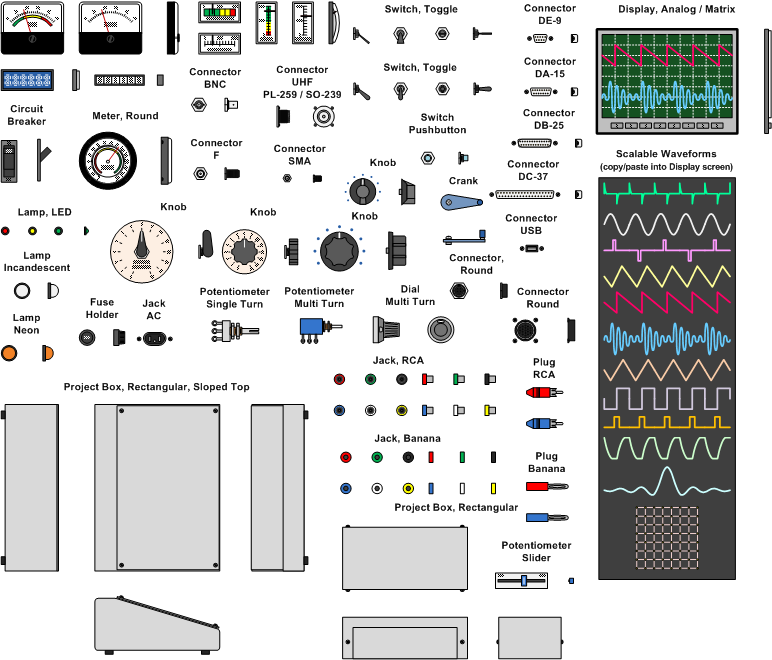
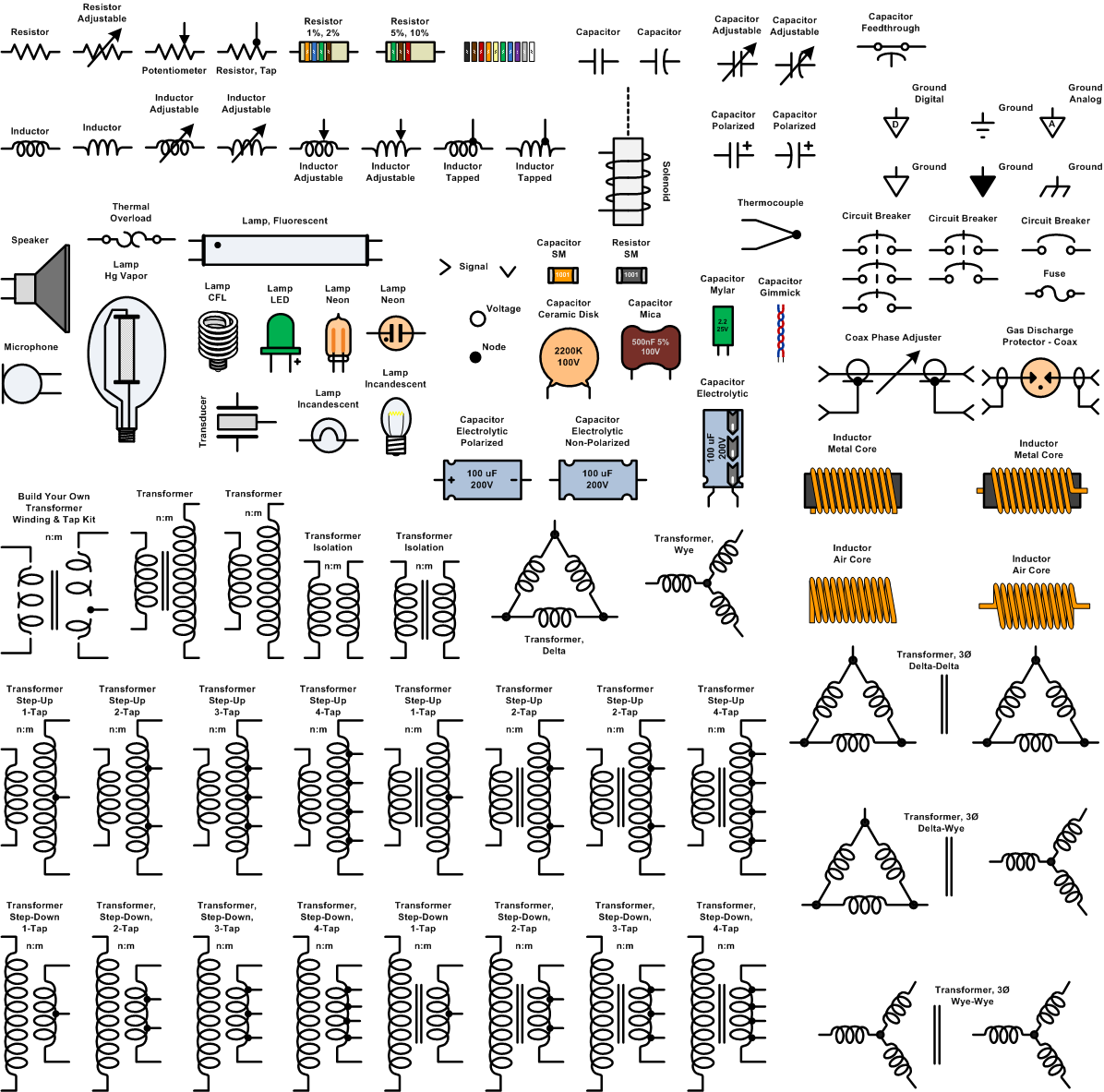
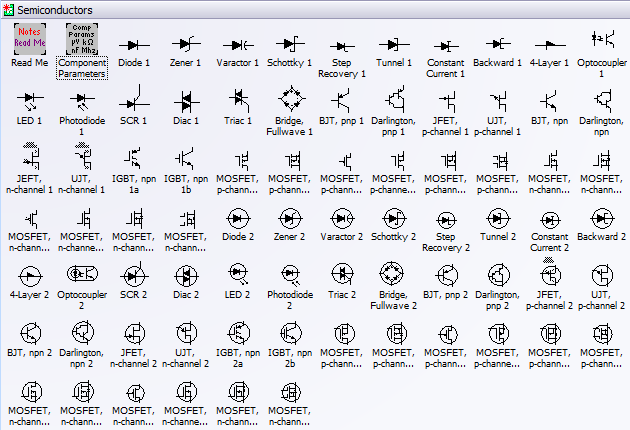
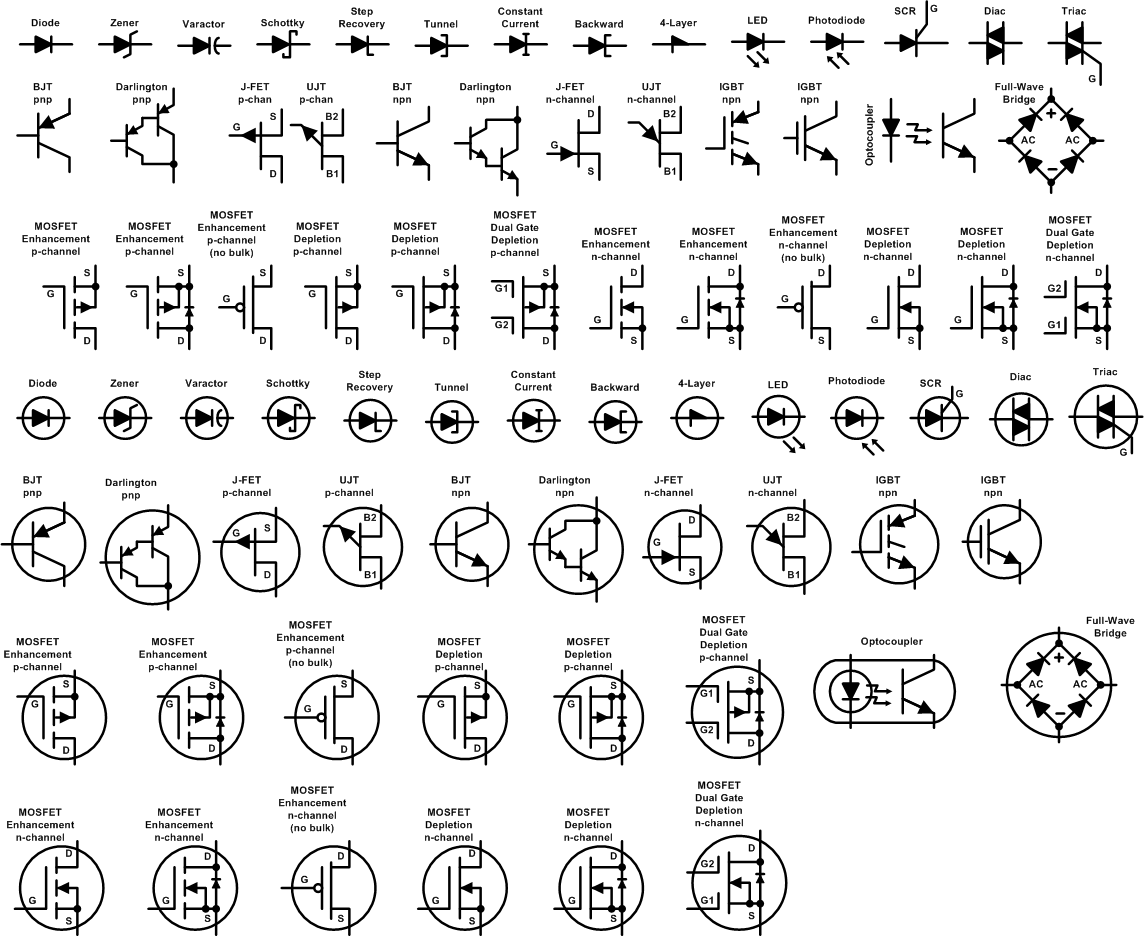
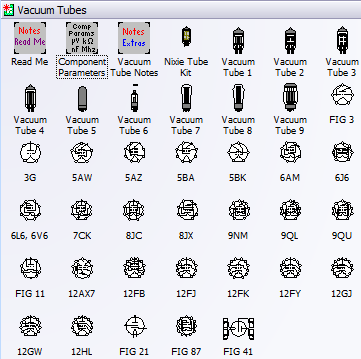
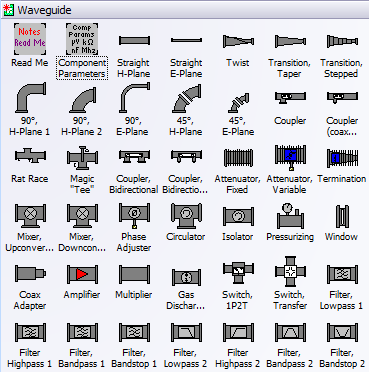
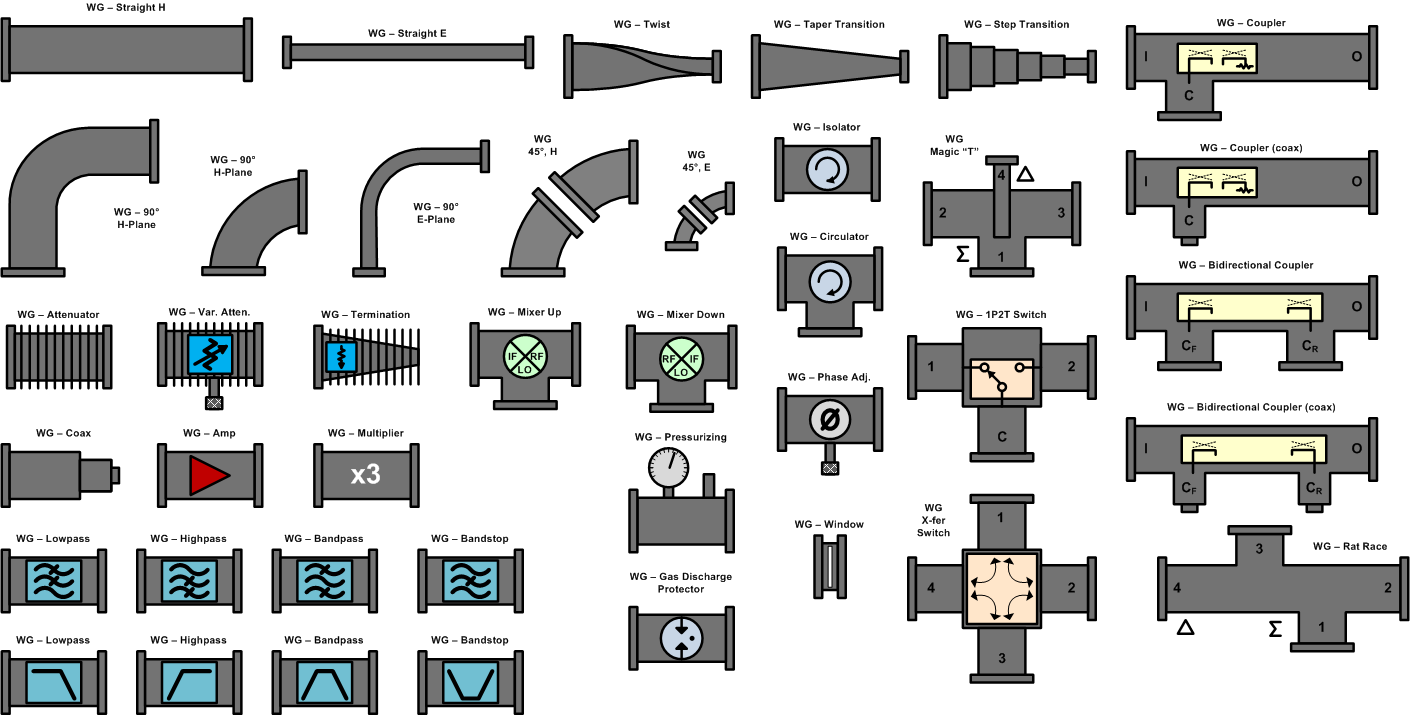
Every stencil symbol has been built to fit proportionally on the included A-, B-, and C-size drawing page templates (or use your own page if preferred). Components are provided for system block diagrams, conceptual drawings, schematics, test equipment, racks (EIA 19", ETSI 21"), and more. Test equipment and racks are built at a 1:1 scale so that measurements can be made directly using Visio built-in dimensioning objects. Page templates are provided with a preset scale (changeable) for a good presentation that can incorporate all provided symbols. A look through the stencil sets below testifies to the claim of completeness, and a consistent appearance will assure a premium quality presentation. These symbols took many hundreds of hours to create, so the minimal cost can easily be justified for time they will save you. Below are screen captures of all the stencil sets provided with RF & Electronics Schematic & Block Diagram Stencils for Visio™ (r4). Click on the thumbnails for large versions. Please check the NOTES section on this page for instructions and/or any updates.
|
||||||||||||||||||||||||||||||||||||||||||||||||